
Please remember that the delivery certificate is only available if the trade delivery is completed.
To download a certificate from the STX Climate Tech platform, you need to:
- Navigate to the Trades section of the STX Climate Tech platform from the main dashboard.

- Click the desired trade from the list. Check that the delivery status is “Completed” (there must be a green tick in the 'Delivery' column).
- Access the Documents section located at the bottom of the trade’s detail page. This area contains all official trade documentation relevant to your selected transaction.
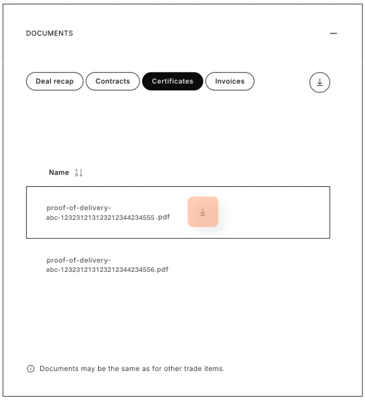
- Proceed to the Certificates subsection and choose the specific delivery certificate you intend to download.
- Click the download icon to download the desired document.
To download all contracts related to the selected trade in a single action, simply click the download button at the top of the section.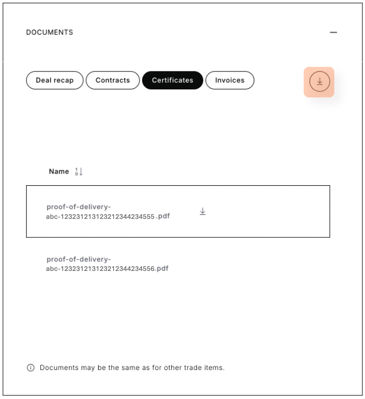
Didn't find the certificate? Let us know here.
Access the platform in one click.