
To download a contract from the STX Climate Tech platform, you need to:
- Navigate to the Trades section of the STX Climate Tech platform from the main dashboard.

-
Click on the desired trade from the list to access its detailed information.
-
Access the Documents section located at the bottom of the trade’s detail page. This area contains all official trade documentation relevant to your selected transaction.
-
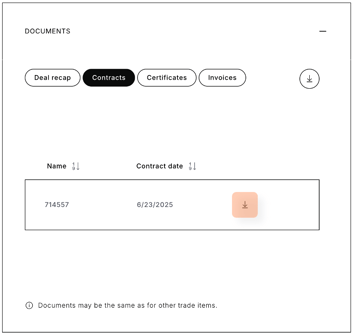
Proceed to the contracts subsection and choose the specific contract you intend to download.
- Click the download icon to download the desired document.
To download all contracts related to the selected trade in a single action, simply click the download button at the top of the section.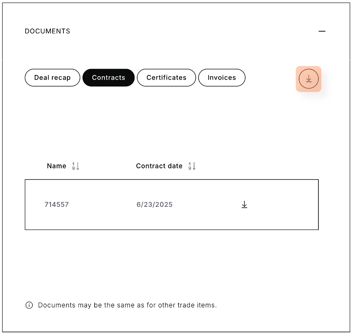
Didn't manage to download the contract? We can help you here.
Access the platform in one click.